
Managing Company Members
View and monitor the employees who have joined your company.
The Members section gives company owners an overview of all employees who have joined the company. From this page, you can see each member's current SafePass status, including their login status, Desktop app status, and security status.
1
View Company Members
The Members page provides a central view of your company's joined employees and their current status. This allows company owners to quickly see whether members have logged in, started using the SafePass Desktop app, and have security enabled or disabled.
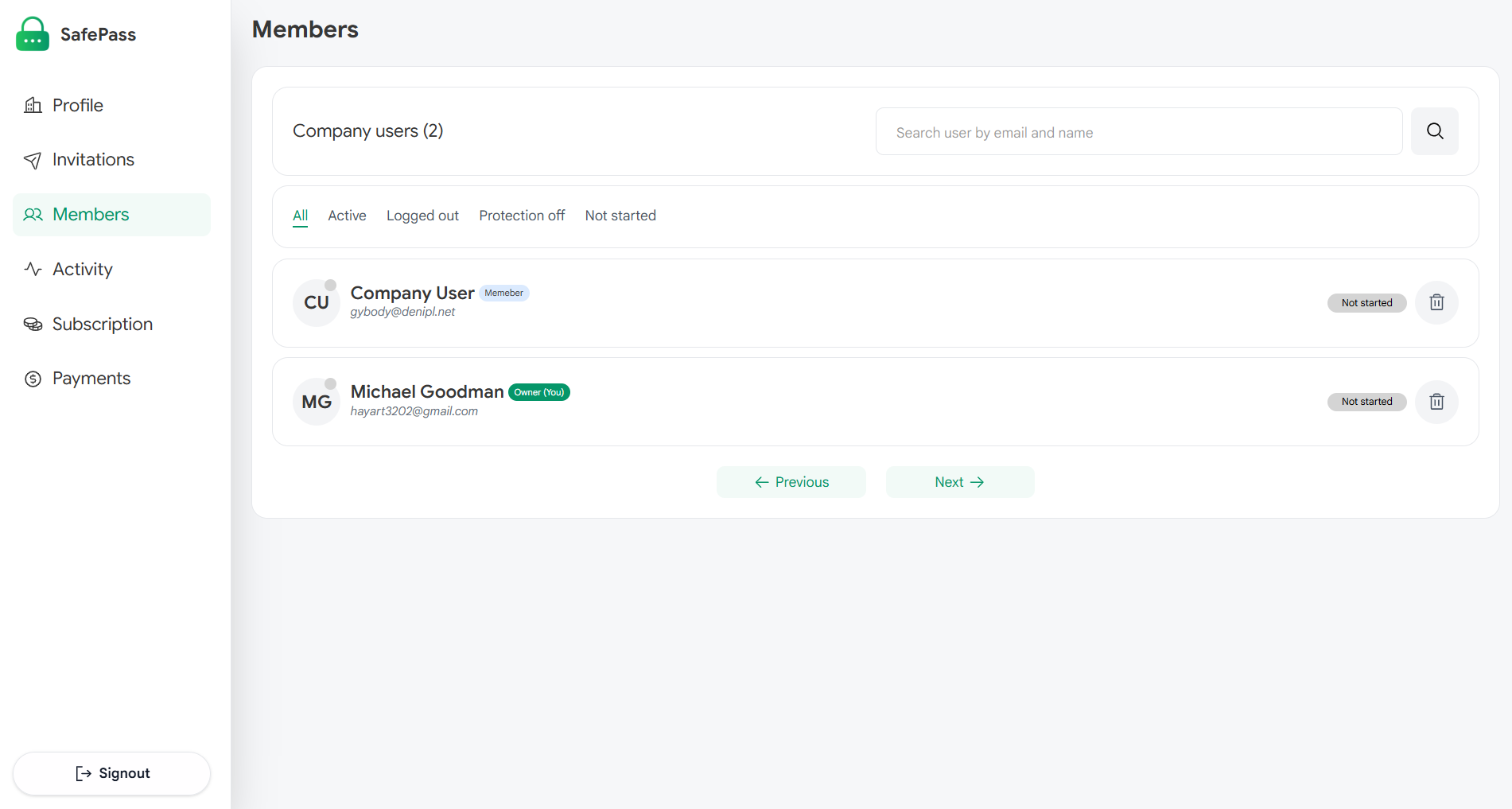
View company members and their current SafePass statuses