
Activity & Anomaly Reports
Review security alerts when unusual activity is detected on a company member's device.
The Activity & Anomaly Reports section is initially empty for new members. Once a member has joined the company and SafePass has collected enough typing behavior data to establish their normal activity pattern, the system can begin detecting unusual activity on their device.
Review Activity & Anomaly Reports
When SafePass detects activity that differs significantly from a member's established typing behavior, an activity report can be generated. The report indicates that unusual activity has been detected and includes a risk percentage from 0 to 100, where a lower percentage represents lower risk and a higher percentage represents higher risk.
When an activity report is generated, SafePass can send an email alert to the affected member and provide the associated report to the company administrator. Depending on the member's notification settings, the member may also receive a screenshot associated with the detected activity.
The Activity & Anomaly Reports section remains empty when there are no detected events. Reports appear here only when SafePass identifies activity that requires attention, allowing company administrators to review potentially unusual activity without having to monitor the member's device continuously.
Activity reports are based on behavioral analysis and can occasionally contain false positives. For example, a report may be generated while the actual member is using their own device. Administrators should therefore review the available information and consider the context before taking action.
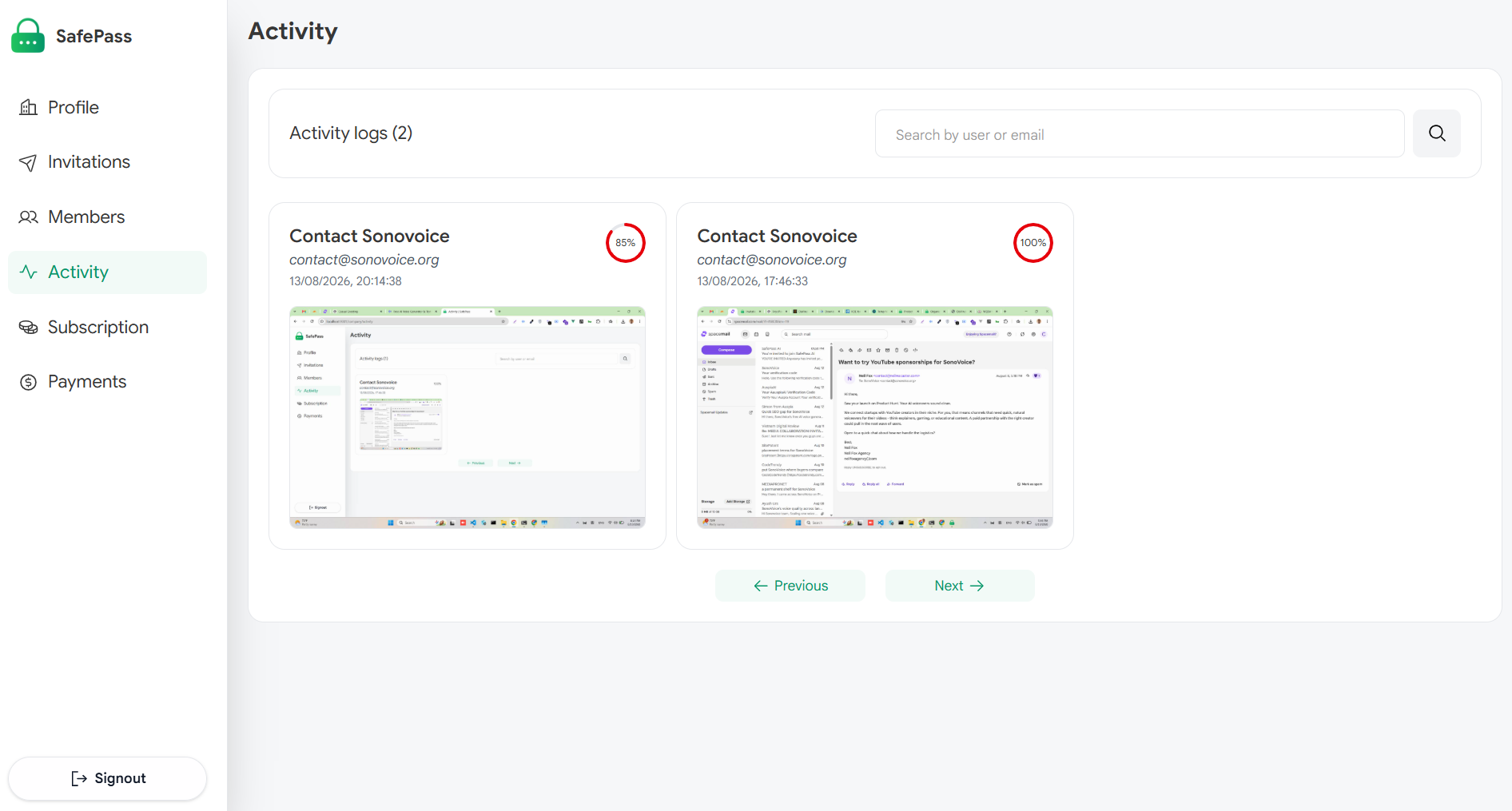
Review detected unusual activity and associated risk levels