
Set Up Your Company
Follow these steps to register your company and start using SafePass.
1
Go to Company Registration
To set up your company, go to the company registration page and begin the signup process.
2
Fill in Registration Form
Complete the registration form with your company information and administrator details.
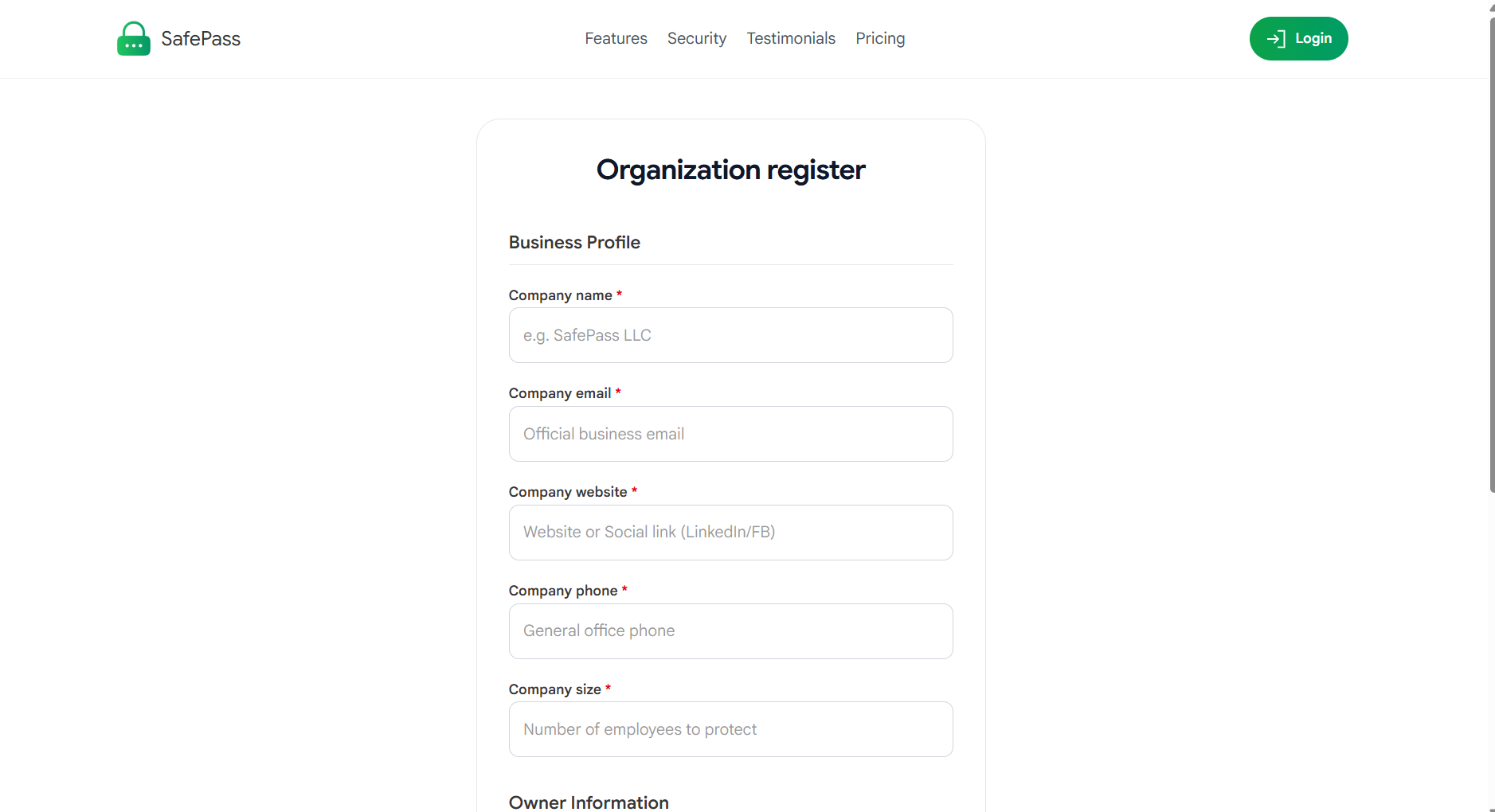
Fill in your company details and create your account
3
Verify Your Email
Check your email inbox for the verification code. Enter the code to verify your email address and activate your company account.
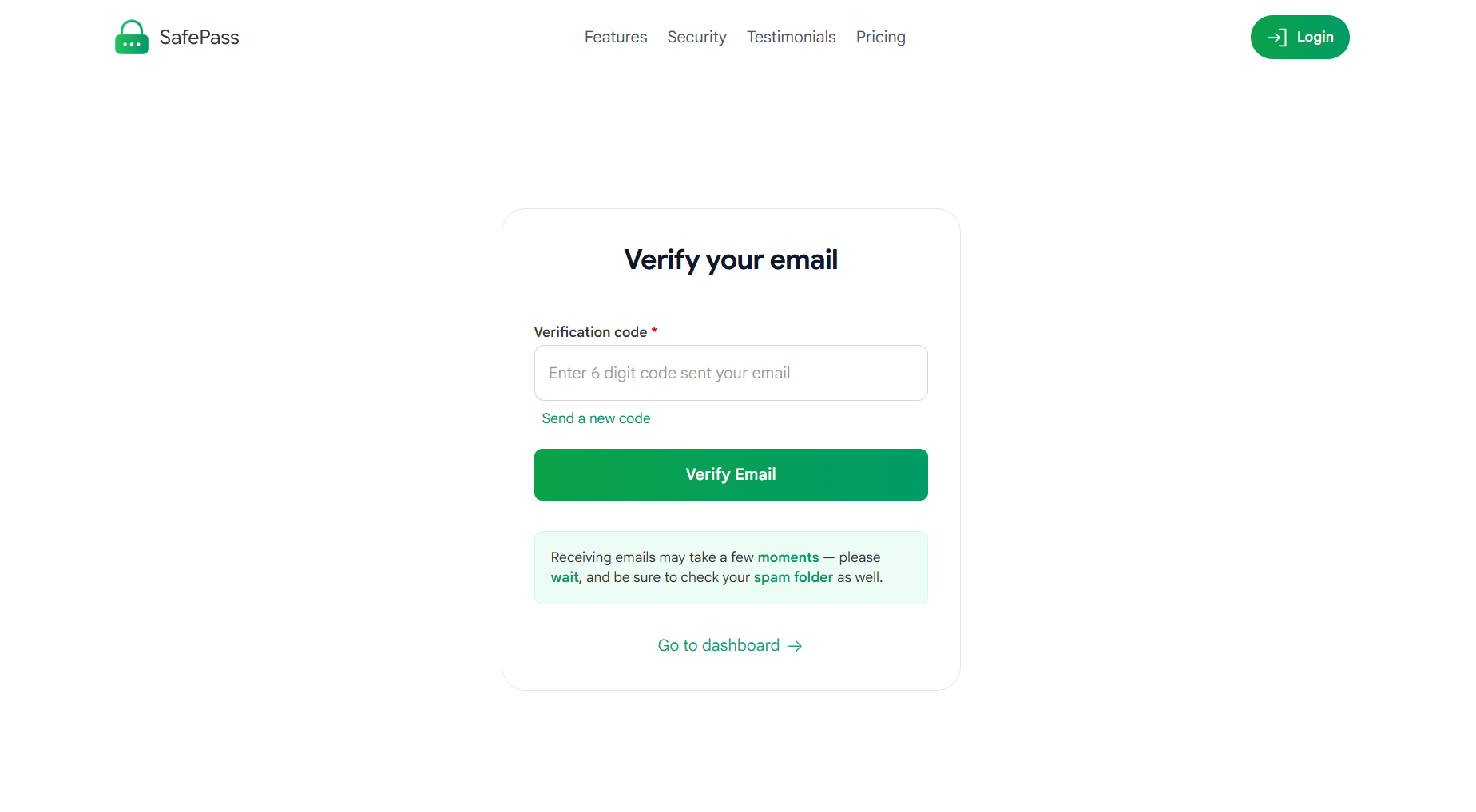
Check your email and use 6 code to verify your company email.
Note: If you don't see the email, check your spam or junk folder.